Callback scheduling for sales teams sounds like admin, but it is where a large share of booked meetings is won or lost. A lead who says "call me Thursday afternoon" has done something a cold list never does: told you when they will listen. If Thursday afternoon passes without a call, that lead is usually colder than if you had never rung at all.
Most teams lose callbacks in ordinary ways. The time is written on a sticky note, typed into a notes field nobody filters, or held in the head of a rep who is off sick on the day. This guide covers what a good callback record looks like, a simple system for making sure every promised call happens, how to let leads choose their own time, and how to check each week that nothing is slipping.
Why callbacks slip through the cracks
A callback is a promise with a time on it
A callback is different from a general follow-up. A follow-up is something you decide to do. A callback is something the lead asked for, at a time they chose. That makes it a promise, and people notice broken promises. Ring when you said you would and the second call starts warm. Ring two days late and you begin with an apology.
Where callbacks usually go missing
The common leaks are easy to spot once you look:
- The time lives outside the lead record. Sticky notes, personal calendars and notebooks do not move when a lead is reassigned.
- "Later" is recorded without a date. A lead marked "call again" with no day attached joins a pile that only grows.
- The rep is busy when the time arrives. A callback due at 2pm is forgotten in a calling session that runs from 1pm to 3pm.
- Nobody owns it when the rep is away. The lead was promised a call from the business, not from one person's diary.
What a missed callback costs
Take a team of four reps who each agree to five callbacks a day. That is around 100 a week. If one in five is missed or made late, 20 people a week who asked to be called were let down. These are the warmest leads on the list, so their conversion rate is usually well above a cold dial. The numbers here are an illustration, but the shape holds for most teams: missed callbacks cost more than any other kind of missed call.
A simple system for callback scheduling for sales teams
Record four things on every callback
Before the rep hangs up, four things go on the lead record:
- The day and a time window. "Thursday between 1pm and 3pm" is better than "Thursday", and better than "2:15pm", which you will miss by ten minutes and feel late.
- The lead's local time. A Perth lead who says "after 4" does not mean 4pm in Sydney.
- The reason for the call. One line: "wants pricing for a 10-seat team after talking to her partner".
- Who makes the call. Usually the same rep, with a named backup.
Agree a window, and keep it inside calling hours
Offer two choices instead of an open question: "Is Thursday afternoon or Friday morning better?" People pick one, and you avoid "sometime next week". Keep the choices inside the hours sales calls are normally made. The Do Not Call Register's industry standards page summarises telemarketing calling hours as weekdays 9am to 8pm and Saturdays 9am to 5pm, with no calls on Sundays or national public holidays unless the person has agreed to a call at that time. If a lead asks for a time outside those hours, record that they asked. This is general information, not legal advice.
Start every session with the callbacks that are due
Callbacks come first. Before a rep opens a fresh list, they work the callbacks due in the next two hours. During a long session, a five-minute check at the top of each hour catches the ones that have come due since. This single habit removes most missed callbacks, because the usual cause is not forgetting the lead, it is being busy with someone else.
Decide who owns the callback when a rep is away
Write the rule down. A simple version: the rep who took the request owns it, the team lead reassigns any callback whose owner is away that day, and the lead record shows the reason for the call so the stand-in does not start from nothing. Our guide to call disposition codes for sales teams explains how to keep "call again" and "follow up" as separate, dated outcomes.
Letting the lead choose the callback time
Why lead-chosen times get answered
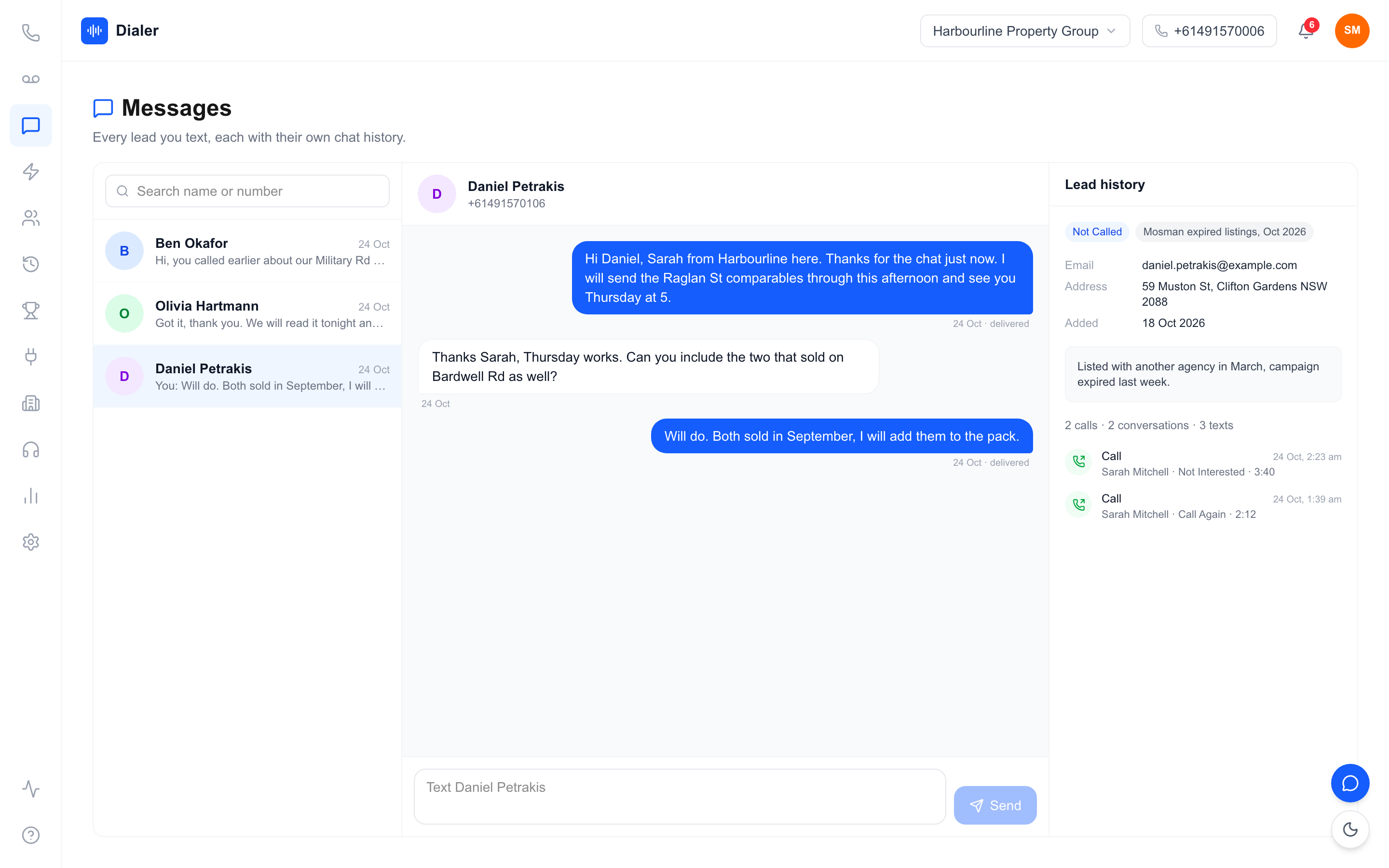
A time the lead picked themselves is one they are far more likely to keep. They chose it around their own day, they are expecting the number, and the call no longer feels like an interruption. It also removes the back and forth of "is now a good time?" that eats the first minute of so many second calls.
Sending a pick-a-time link by text
The simplest way to offer the choice is a short text with a link, sent while the conversation is still fresh or straight after a missed call. Keep it plain: who you are, which business you are from, and a link to choose a time. A sales text is a commercial message, so it needs the person's consent, clear identification of the sender and a working way to opt out. ACMA's guide on how to avoid sending spam sets out those three requirements.
Confirm, then call on time
When a lead picks a window, treat it as fixed. Ring inside the window, early in it if you can. If you reach voicemail, leave a short message saying you rang as arranged and will try once more before the window closes. Then do that.
Veyce: callbacks on the lead card and in the dialler
A text that lets the lead pick a callback window
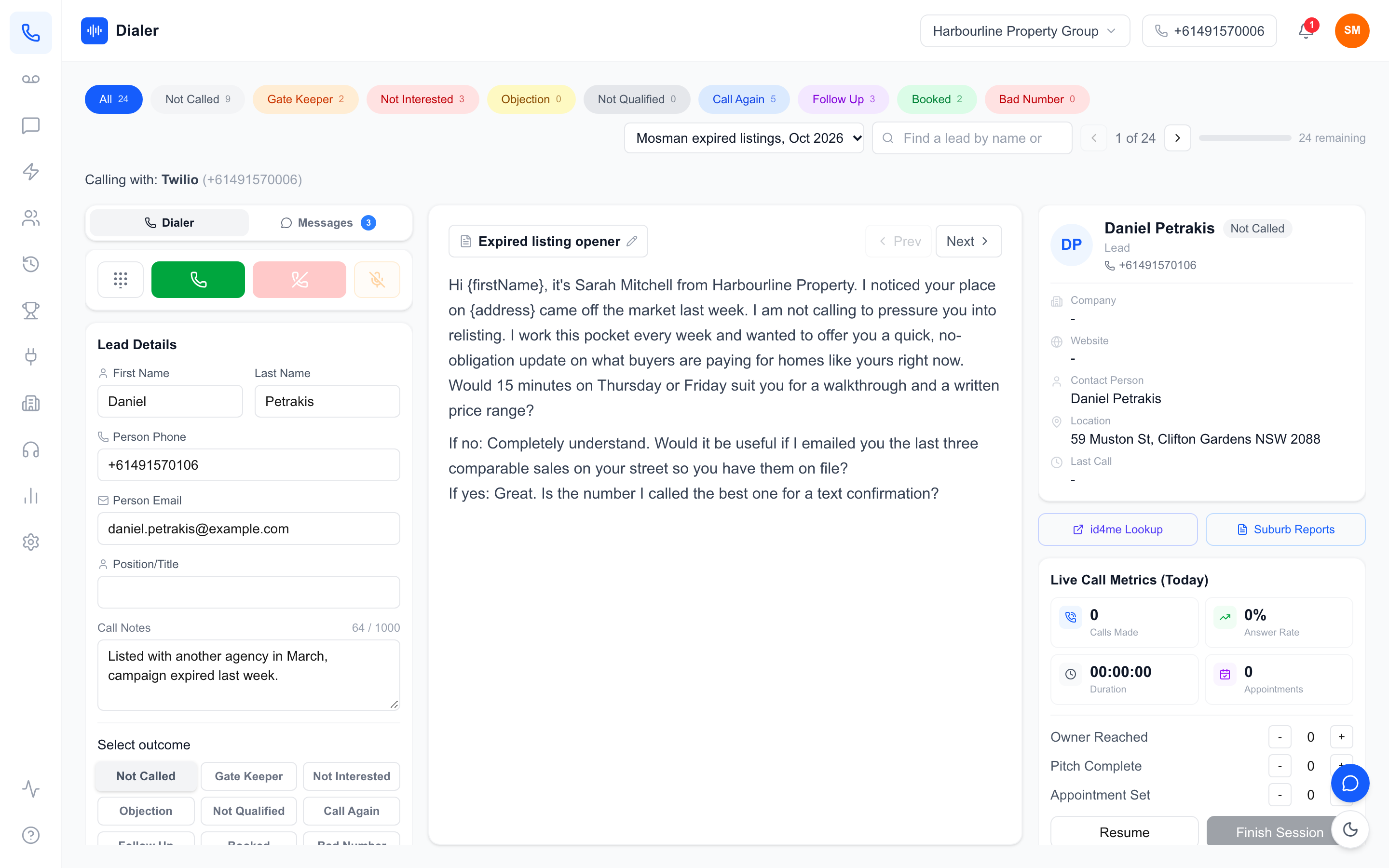
Veyce is a power dialler for Australian sales teams, and callbacks are part of the calling screen. On a lead card, the rep can choose "Text a link to pick a callback time". Veyce sends the lead a text from the number the rep texts from, naming the rep and the business, with a link and a "Reply STOP to opt out" line. The link stays open for a week. The windows it offers fall on weekdays between 9am and 8pm and Saturdays between 9am and 5pm, in the lead's local time. Leads who have replied STOP are not sent the text.
Callbacks due now, where the rep is already working
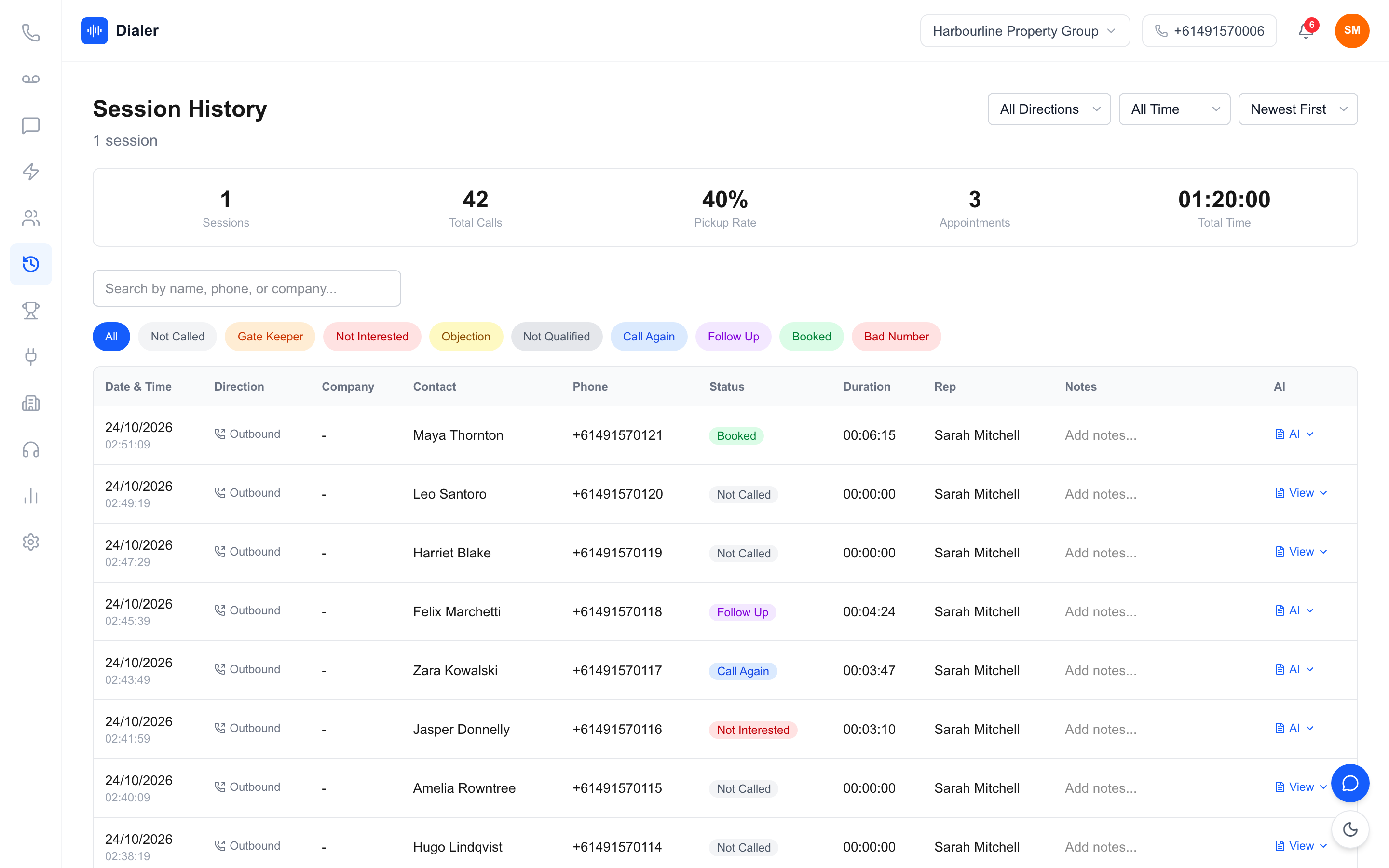
When the lead picks a time, it shows on their lead card with a note that the lead chose it. When the window opens, the lead appears in a "Callbacks due now" banner on the dialler, so the rep sees it in the middle of a session without checking a separate calendar. On the optional Parallel Dialer add-on (Growth and Agency), a lead with a scheduled callback is held back until that time arrives.
When the lead rings back first
Some leads do not wait. Your team gets one Australian number included, and Veyce assigns a rep their own Australian number on request. When a lead rings a rep's own number, the call rings that rep first, then the rest of the team, then voicemail, so a returned call still lands with someone who can help.
Plans and the free trial
Solo is $49 a month (1 seat, 100 minutes), Team is $179 (4 seats, 400 minutes), Growth is $449 (10 seats, 1,000 minutes) and Agency is $1,099 (25 seats, 2,500 minutes). The free trial runs for 3 days from your first call with 100 calling minutes and no card. Full details are on the plans and pricing page.
Conclusion: make every promised call
A weekly callback review
Once a week, check three numbers:
- Callbacks agreed. A falling number can mean reps are not asking for a time.
- Callbacks made inside the window. This is the one to put on the wall.
- Callbacks overdue by more than a day. Reassign them on the spot.
Your next step
Callback scheduling for sales teams comes down to three habits: record a window, work due callbacks first, and review the misses weekly. If you want the due list in front of reps while they dial, Veyce is a power dialler for Australian sales teams with lead-chosen callback times built in. Start a free trial and send your first pick-a-time link today.
Frequently asked questions
What is callback scheduling for sales teams?
It is the routine a team uses to make sure every lead who asks to be called back is rung at the time agreed. A good routine records a day and a time window on the lead, shows reps which callbacks are due, and gives a manager a way to see the ones that were missed. It covers requests from leads, not the general follow-ups a rep decides on.
How quickly should a sales rep return a callback request?
At the time the lead asked for, and early in the window if they gave one. If the lead only said "later", offer two specific options before the call ends so there is a real time to keep. For a missed call or a web enquiry with no time attached, ring back as soon as you can inside calling hours, because interest fades quickly once a person has moved on.
Should a callback be a set time or a window?
A window of an hour or two usually works better for both sides. An exact time such as 2:15pm is easy to miss by a few minutes when the previous call runs long, and the lead notices. A window such as Thursday between 1pm and 3pm gives the rep room to finish a conversation and still ring when promised. Record it in the lead's local time.
Can a lead choose their own callback time by text?
Yes. A short text with a link lets the lead pick a time that suits them, and people tend to answer calls they scheduled themselves. The text is a commercial message, so it needs consent, clear identification of who sent it and a working opt-out. In Veyce, a rep sends this from the lead card and the chosen window appears on the lead and in the dialler.
How does Veyce handle callbacks?
A rep can text a lead a link to pick a callback window from the lead card. The chosen time shows on the lead, and the lead appears in a Callbacks due now banner on the dialler when the window opens. If a lead rings a rep's own Veyce number, the call rings that rep first, then the team, then voicemail. The free trial runs for 3 days from your first call with 100 calling minutes and no card.