A power dialler for sales teams has a different job from one used by a single rep. One rep needs speed. A team of four, eight or fifteen needs speed plus coordination: leads that are not called twice, a number prospects recognise whoever rings them, minutes that last the month, and a manager who can see what is happening without hovering over desks.
This guide is written for team leads and sales managers who are moving from a few reps calling off their own spreadsheets to a shared calling floor, in the office or spread across the country. It covers what changes when a team shares a dialler, how to plan seats and minutes with a worked example, and the daily routines that keep a calling team productive without turning it into a dials contest.
What changes when a power dialler goes from one rep to a team
The dialling itself works the same way for one rep or twenty: load a list, call the next lead as soon as the last call ends, log the outcome. The real question with any power dialler for sales teams is what it adds around the call.
Shared lists and double-calling
When three reps work from copies of the same spreadsheet, two of them will eventually ring the same person on the same afternoon. To the prospect, that looks disorganised, and it burns goodwill you cannot buy back. A team needs one shared lead list with a single status per lead, and a clear rule for who works which slice of it, whether by territory, lead source, or alphabetical split. A shared list also means one wash: check it against the Do Not Call Register through the official washing process once, before it goes live, instead of hoping every rep washed their own copy.
One number, many callers
Prospects remember numbers more than names. If every rep calls from a different personal mobile, a callback lands with whoever happened to dial, and a missed text sits on a phone nobody else can see. A team number that everyone calls from, and that rings the team when prospects call back, keeps the relationship with the business rather than with one handset. Some teams then give senior reps their own number for accounts they manage personally.
Consistency across reps
With one rep, the script lives in their head. With a team, the script, the call outcomes and the follow-up rules need to be written down and identical for everyone, or your reporting compares apples with oranges. Agree on a short set of outcomes, such as booked, follow up, call again, not interested and wrong number, before anyone starts a session.
Planning seats and minutes for your team
Most of the cost of a power dialler for sales teams comes down to two numbers: how many people need a login, and how many minutes the team will actually use.
Counting seats
Count everyone who will make calls, plus anyone who needs to listen to recordings, read summaries or check reports. Managers often need a seat even if they rarely dial. Add the part-timers and the person who covers leave. It is cheaper to plan one spare seat than to have a rep share a login, which ruins your per-rep reporting.
Estimating team minutes: a worked example
This is a labelled worked example with stated assumptions, not a benchmark. Assume four reps, each running one 90-minute calling block a day, four days a week. Assume each rep has 6 conversations per block averaging 4 minutes (24 minutes), plus 30 unanswered or very short attempts averaging 20 seconds each (10 minutes). That is about 34 billable minutes per rep per block, or 136 minutes per rep per week. Across four reps and a four-week month, the team would use roughly 2,180 minutes. Swap in your own conversation counts and call lengths: the method matters more than these figures, and the result tells you whether a plan's included pool covers you or whether you will need top-ups.
Roles: who calls, who manages
Decide early who can import lists, edit scripts and change settings, and who only calls. A team where everyone can delete leads or rewrite the script will have a bad week sooner or later. Keep admin rights with one or two people, and give reps what they need to call and log outcomes. Start a free 7-day Veyce trial with 50 calling minutes included.
Managing a power dialler for sales teams day to day
A power dialler for sales teams gives managers more visibility than they have ever had. The risk is using it to count dials instead of improving conversations.
Splitting lists between reps
Give each rep a defined slice of the list for each block rather than letting everyone pull from the top. Rotate the slices weekly so no rep is stuck with the weakest leads for a month. Keep callbacks with the rep who spoke to the prospect where you can, because the prospect expects to hear the same voice.
Session targets that reward quality
Set targets on conversations and booked next steps, not total dials. A rep who makes fewer dials but books twice as many meetings is doing the job better, and a dials target pushes reps to rush calls and skip notes. Review the numbers weekly as a team so one slow session does not dominate the conversation.
Reviewing calls without replaying everything
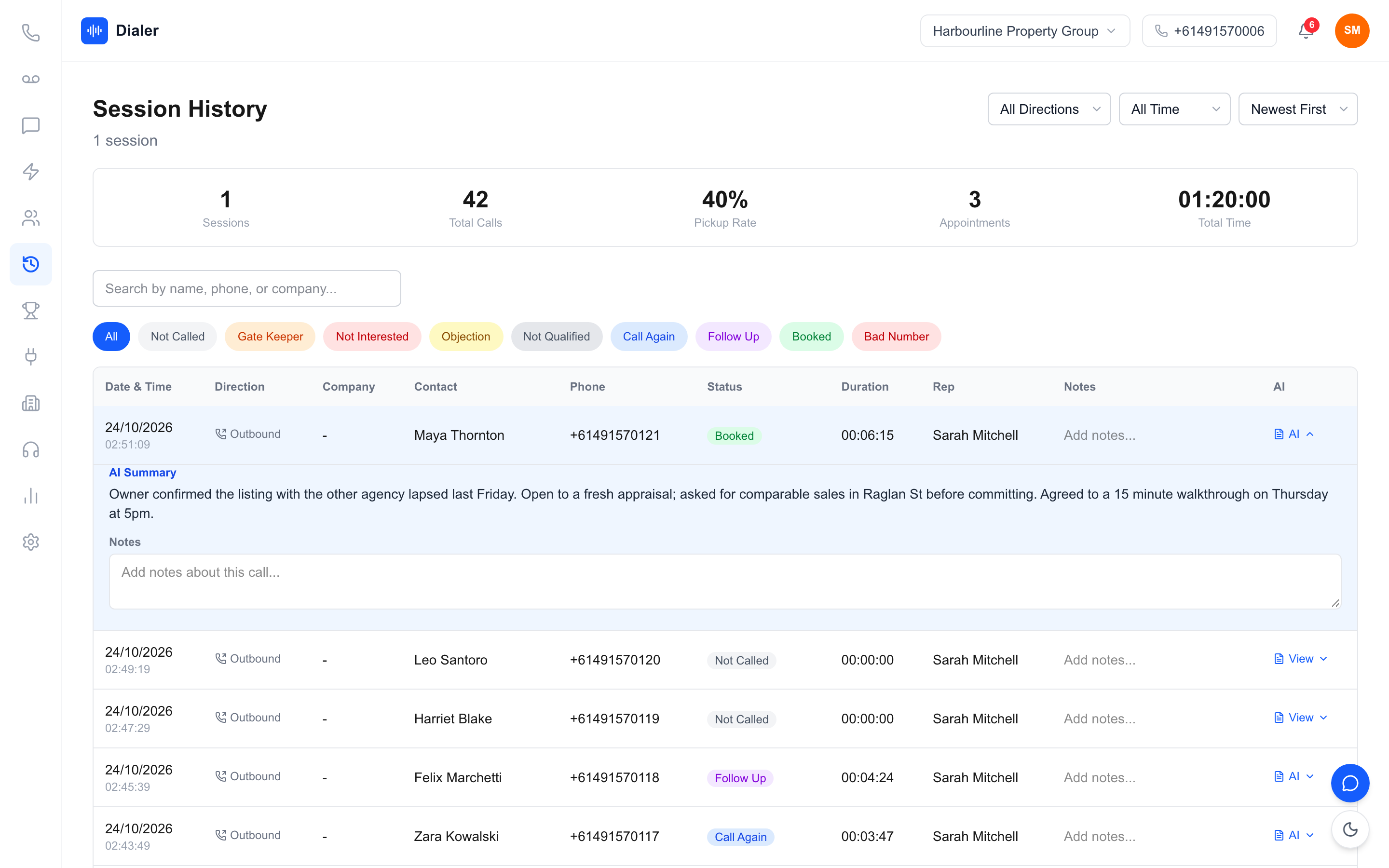
Nobody has time to listen to every recording. Pick two or three calls per rep per week: one booking, one loss and one at random. Read the summary first, then listen to the part that matters. Share good examples in a short team huddle, so reps learn from each other rather than only from the manager.
Leaderboards without the wrong incentives
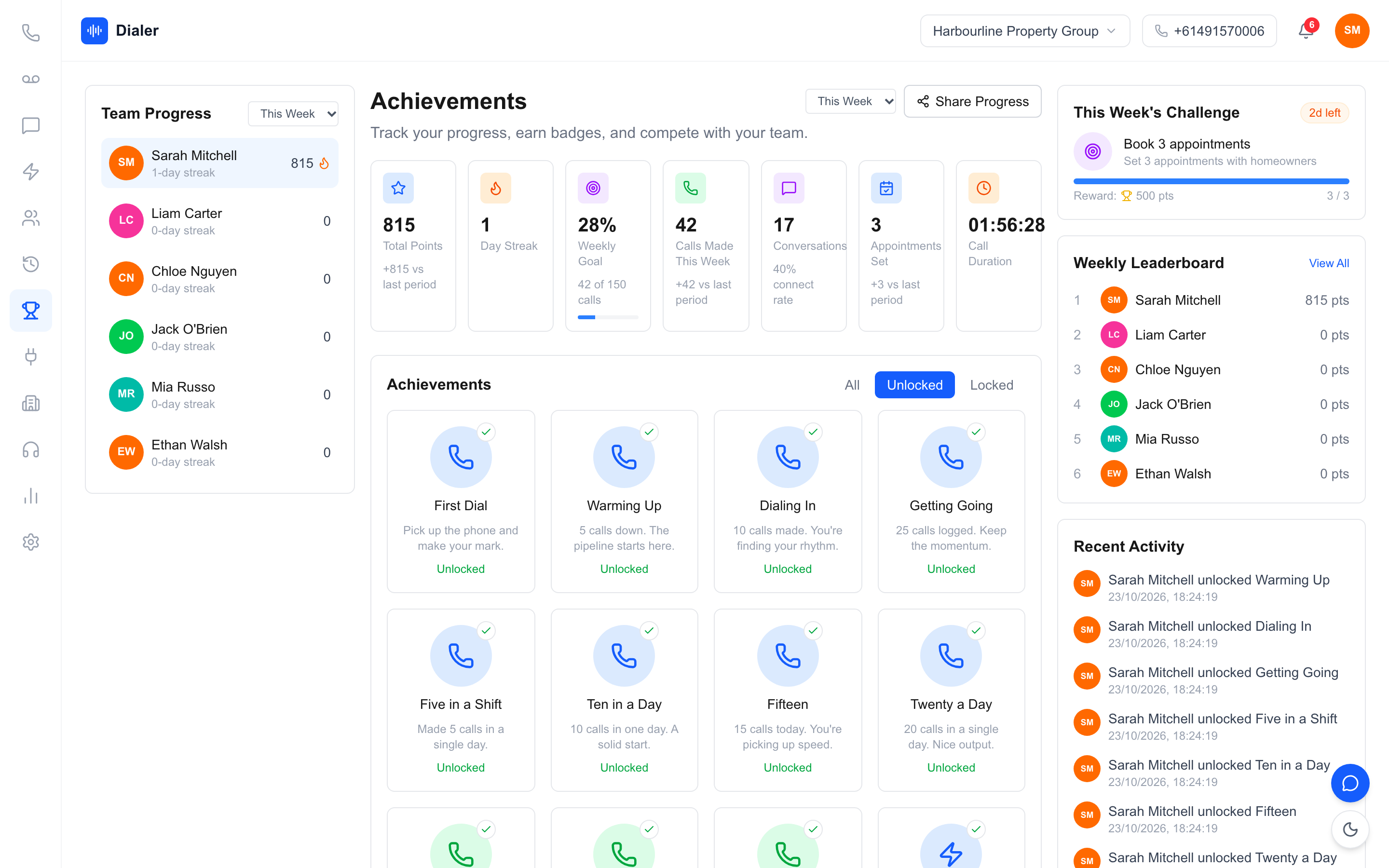
A visible leaderboard is one of the most useful parts of a power dialler for sales teams. It lifts energy on a calling floor, especially for remote teams who never see each other dial. Rank on bookings or conversations, not dials, and celebrate streaks and personal bests as well as the top spot, so the rep in fourth place still has something to aim for.
Veyce: a power dialler built for sales teams
Veyce is a power dialler for Australian sales teams, with plans priced per team rather than per seat. You can see how the product works on the power dialler for Australian sales teams page.
One number and shared calling
Your team gets one dedicated Australian number included, and Veyce can assign a rep their own Australian number on request; that rep's callbacks ring them first, then the team. In Power Dialler mode, each rep calls one lead at a time and moves on as soon as a call ends. Calls can be recorded, and AI transcription and summaries are produced after each recorded call. Reps text from the team number through the SMS inbox.
Visibility for managers
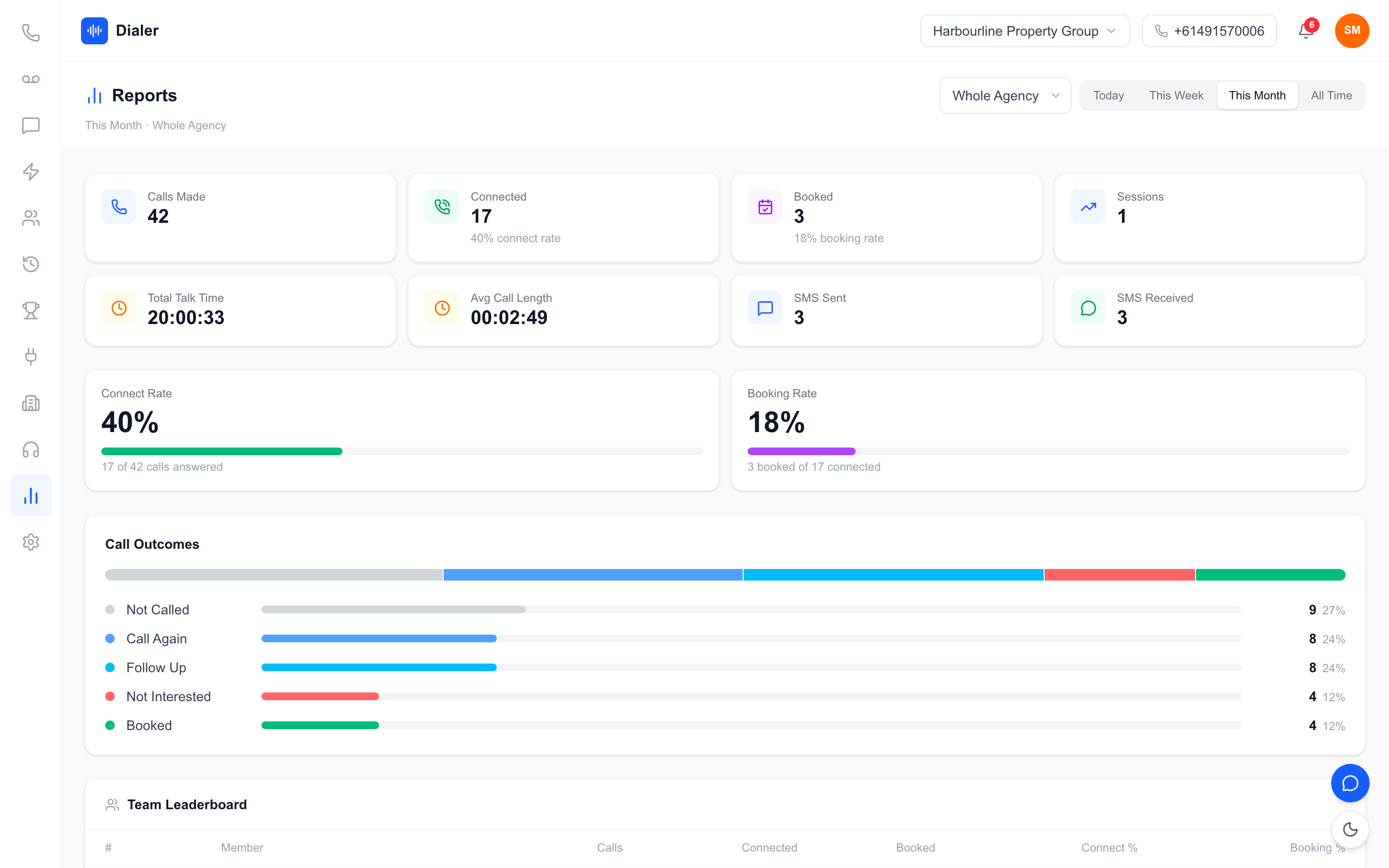
Live session metrics and leaderboards show who is calling and what is converting, and reports break down calls, connect rate, bookings and outcomes by rep. Calling scripts sync from Google Docs, so everyone reads the same version, and leads can be imported from spreadsheets, PDFs and photos using OCR and rule-based mapping, or straight from Google Sheets.
Seats, minutes and plans
Team is $179 a month with 4 seats and 400 minutes, Growth is $449 with 10 seats and 1,000 minutes, and Agency is $1,099 with 25 seats and 2,500 minutes; extra seats are $29 each, minutes are pooled across the team, and one-time minute top-ups sit on top of the plan. Growth and Agency can add the Parallel Dialer (+$99 a seat), which rings up to 5 or up to 10 leads at once respectively, weekdays 9am–8pm and Saturdays 9am–5pm in the lead's local time, never on Sundays or national public holidays. Compare plans on the Veyce pricing page.
Conclusion: coordinate first, then speed up
What to set up in week one
A power dialler for sales teams works when the team works from one list, one number and one set of outcomes. Plan seats for everyone who needs to see results, estimate minutes from real conversation counts, split lists fairly and set targets on conversations and bookings. For more on how dialling time compares with calling by hand, see our power dialler versus manual calling breakdown.
Test it with your whole team
Run a trial with the people who will actually use it. Veyce offers a free 3-day trial, counted from your first call, with 100 calling minutes and no card required. The trial runs on one seat, enough for a team lead to load a shared list, run a short block and try the dialler, scripts and session flow before rolling it out to the team.
Frequently asked questions
What is the difference between a power dialler for one rep and one for a team?
The dialling is the same: the next lead rings as soon as the last call ends. A team version adds the coordination around it, including a shared lead list so two reps do not ring the same person, a team number prospects can call back, shared scripts and outcomes, pooled minutes, and reports and leaderboards so a manager can see every rep's sessions without asking for spreadsheets.
How many minutes does a sales team use on a power dialler?
Work it out from conversations rather than dials. Multiply each rep's typical conversations per block by the average call length, add a small allowance for unanswered and very short attempts, then multiply by blocks per week, weeks per month and number of reps. Compare the total with the plan's included minute pool, track real usage for the first month, and adjust or top up once you know your numbers.
Should every rep have their own phone number?
Not necessarily. A single team number keeps callbacks and texts with the business, so any rep can pick up a returned call and see the history. Individual numbers make sense for senior reps who manage their own accounts and want prospects to reach them directly. Veyce includes one Australian number for the team and can assign a rep their own Australian number on request.
How do I stop reps calling the same lead twice?
Work from one shared list rather than copies of a spreadsheet, and give each rep a defined slice for each calling block, split by territory, lead source or another simple rule. Make sure every call ends with an outcome so a lead's status updates as soon as it is called. Rotate slices weekly so the workload stays fair, and keep callbacks with the rep who spoke to the prospect.
What should a sales manager track on a power dialler?
Track conversations per hour, the share of conversations that become a booked next step, and minutes used per booking. Look at these weekly and per rep, rather than reacting to single sessions. Total dials is a weak measure on its own, because it rewards rushing calls. Pair the numbers with a short weekly review of two or three calls per rep, starting from the call summaries.